Styles
The styles, what each is for, and how to switch.
Hemline comes with 4 styles. A style is a starting point: it sets colours, fonts, buttons, product cards and the homepage. All styles use the same sections, so anything you learn in one works in the others.
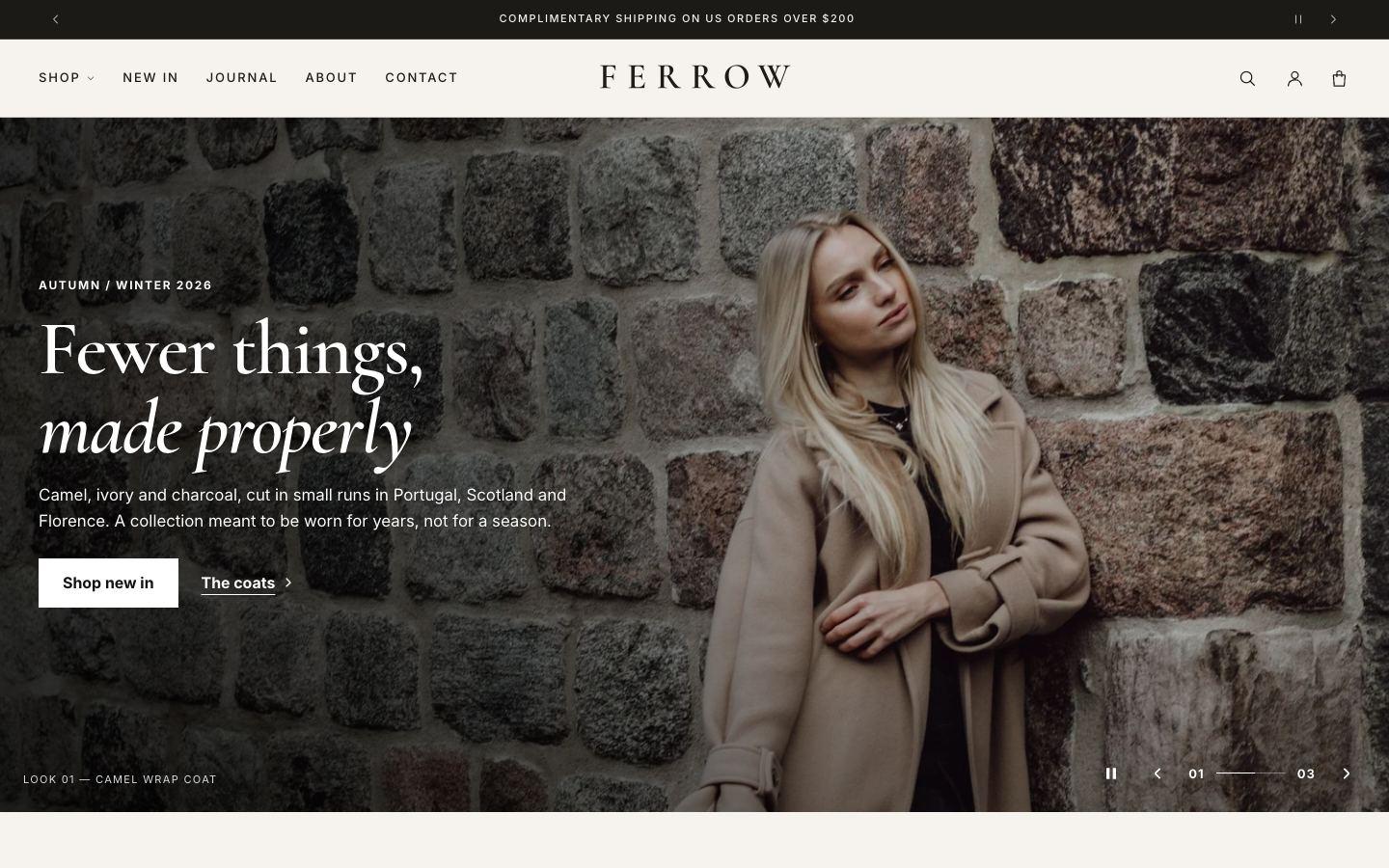
Hemline (default)
Quiet luxury: warm neutrals, refined serif headings and generous space.
Made for womenswear and tailoring · Cormorant + Inter
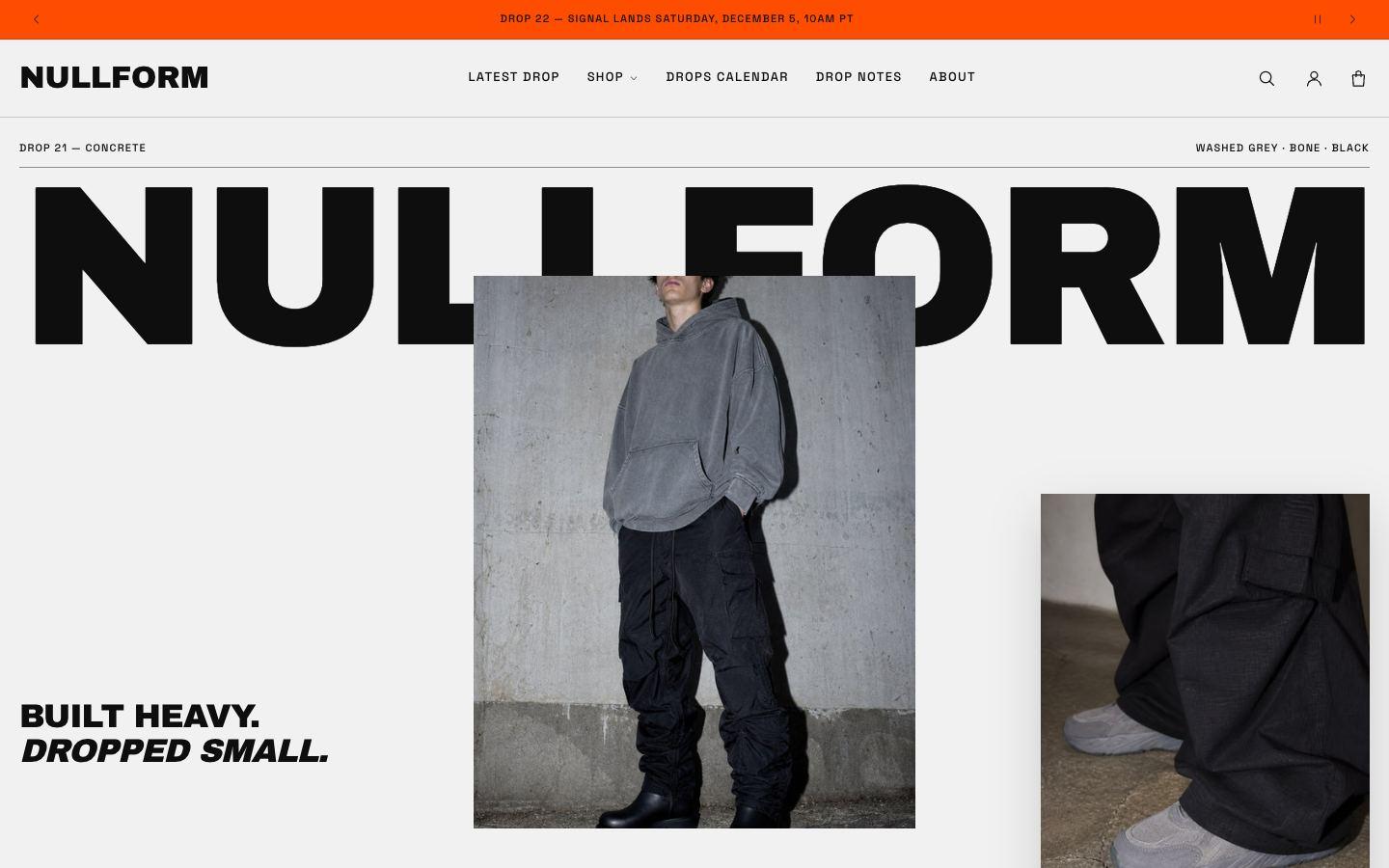
Nullform
Bold grotesk type, high contrast, a bright accent and a drops calendar.
Made for streetwear drops · Archivo Black + Space Grotesk
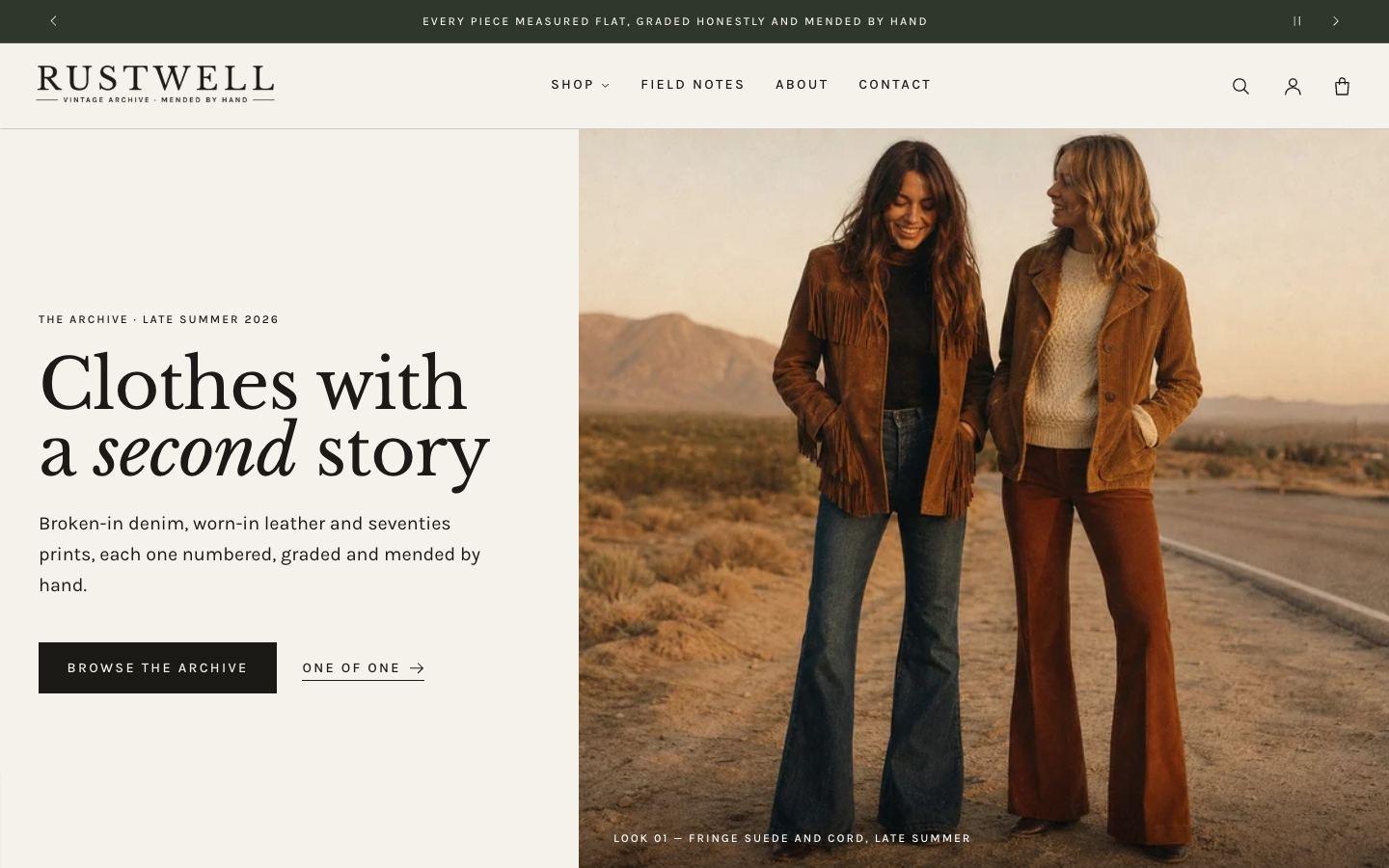
Rustwell
An archive catalogue: paper tones, a book serif and numbered product lines.
Made for vintage and resale · Libre Baskerville + Karla
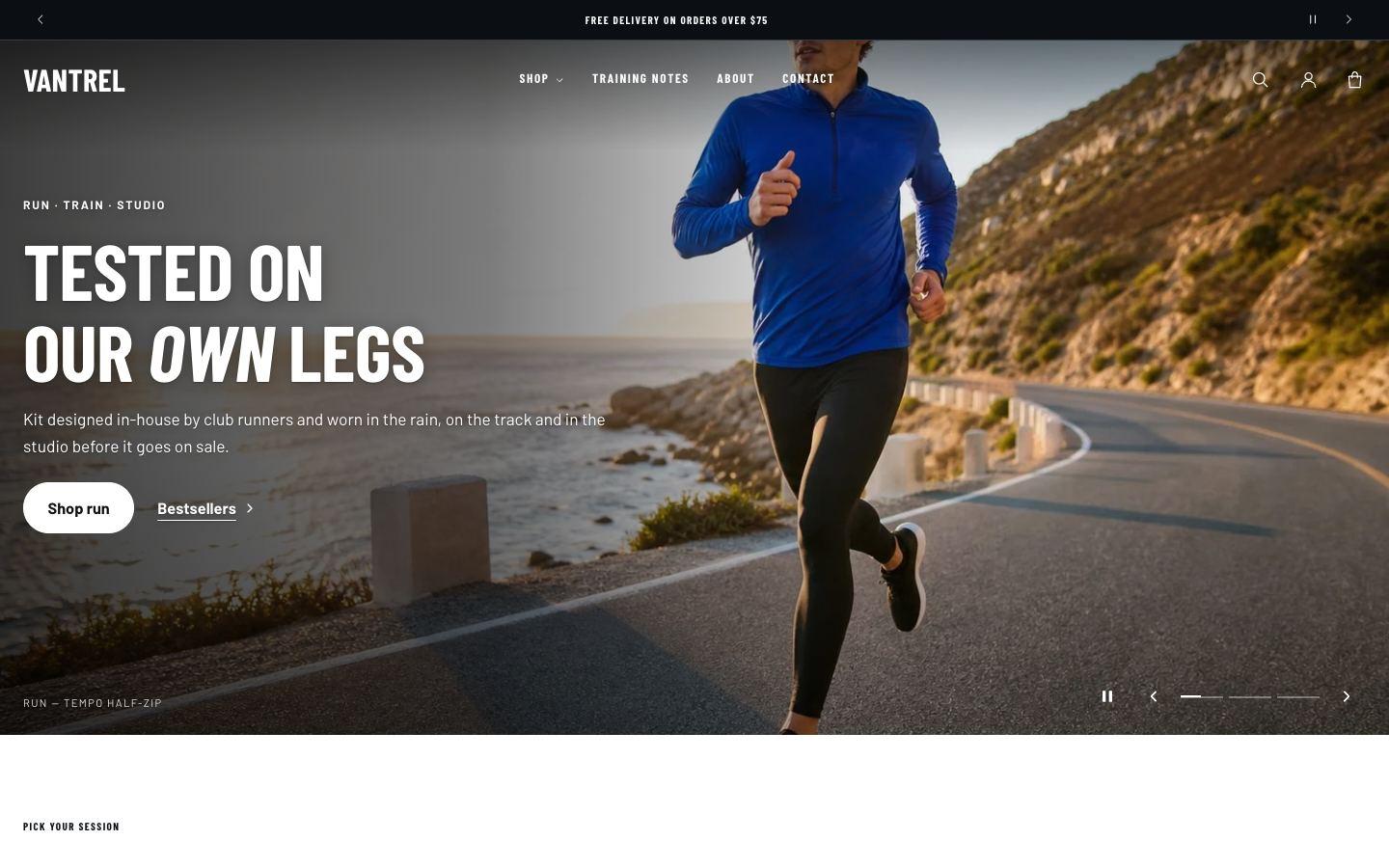
Vantrel
Clean and energetic, with condensed sport type and a session slideshow.
Made for activewear · Barlow Condensed + Barlow
Choosing a style
You pick a style when you add Hemline from the Shopify Theme Store. Each style has a demo store you can browse first.
Switching style later
- Go to Online Store → Themes → Customize.
- Open Theme settings and choose Theme styles.
- Pick a style and click Save.
Switching changes your colours, typography, buttons and product cards. Your sections, text and images stay as they are: a style switch doesn't replace your homepage. To get a style's demo homepage, add Hemline to your theme library again with that style selected.
Tip: try a style on a copy of your theme first (Actions → Duplicate in Online Store → Themes).
Style-specific features
- Rustwell: catalogue line on product cards. Shows a line such as "No. 0142 · Grade A · M" above each product title. Create a product metafield (for example
custom.catalogue_label), fill it in for your products, then enter its name in Theme settings → Product cards → Card detail line. This works in every style. - Nullform: Drops calendar. A section and page template for numbered releases, with a live countdown to the next drop.
- Hemline and Vantrel: slideshow. The homepage opens with a slideshow. Each slide has its own image, text and buttons, with a gradient behind the text that follows its position.