Styles
The styles, what each is for, and how to switch.
Relay comes with 4 styles. A style is a starting point: it sets colours, fonts, buttons, product cards and the homepage. All styles use the same sections, so anything you learn in one works in the others.
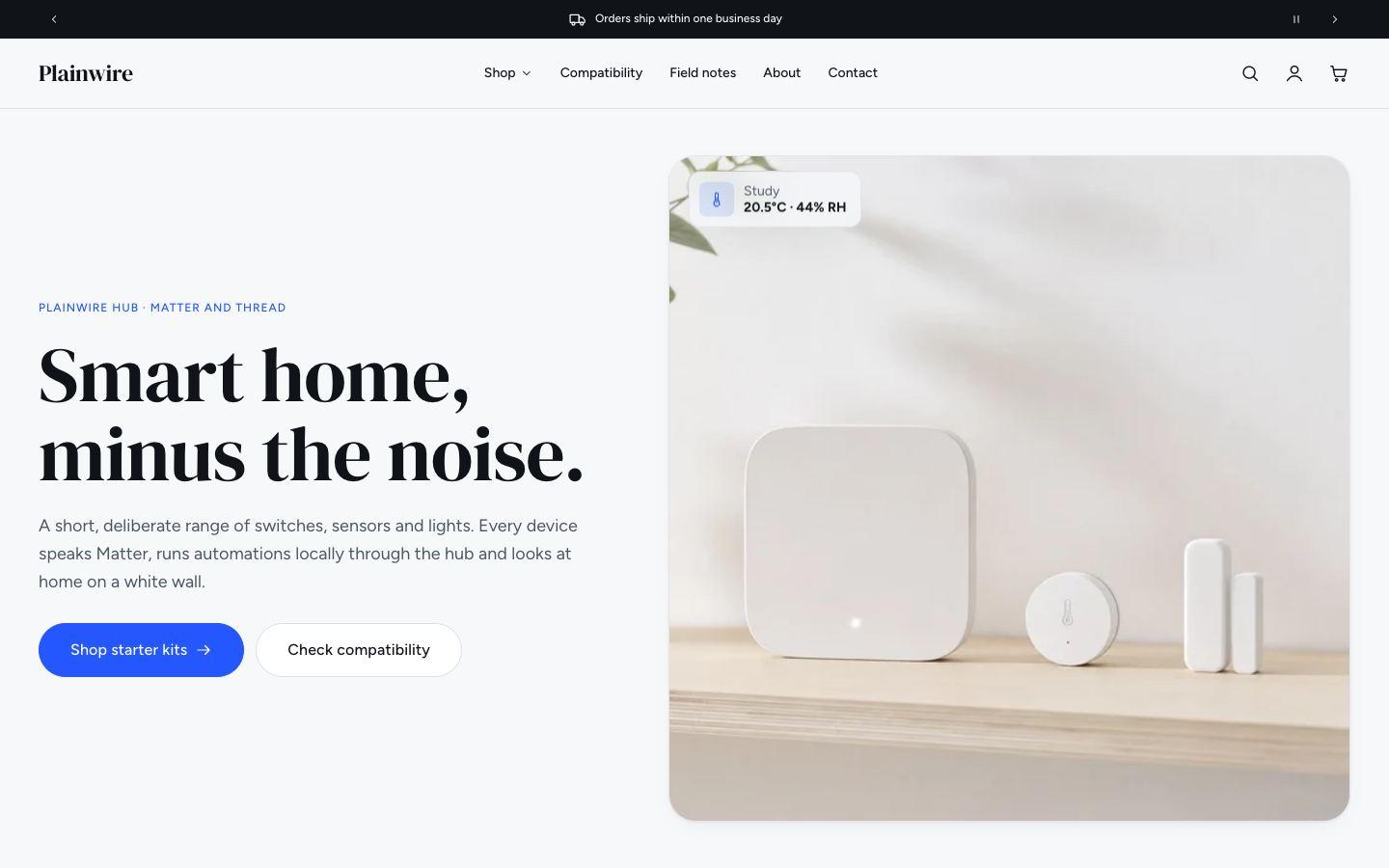
Plainwire
Bright and friendly, with an editorial serif and plenty of white space.
Made for smart home · DM Serif Display + Figtree
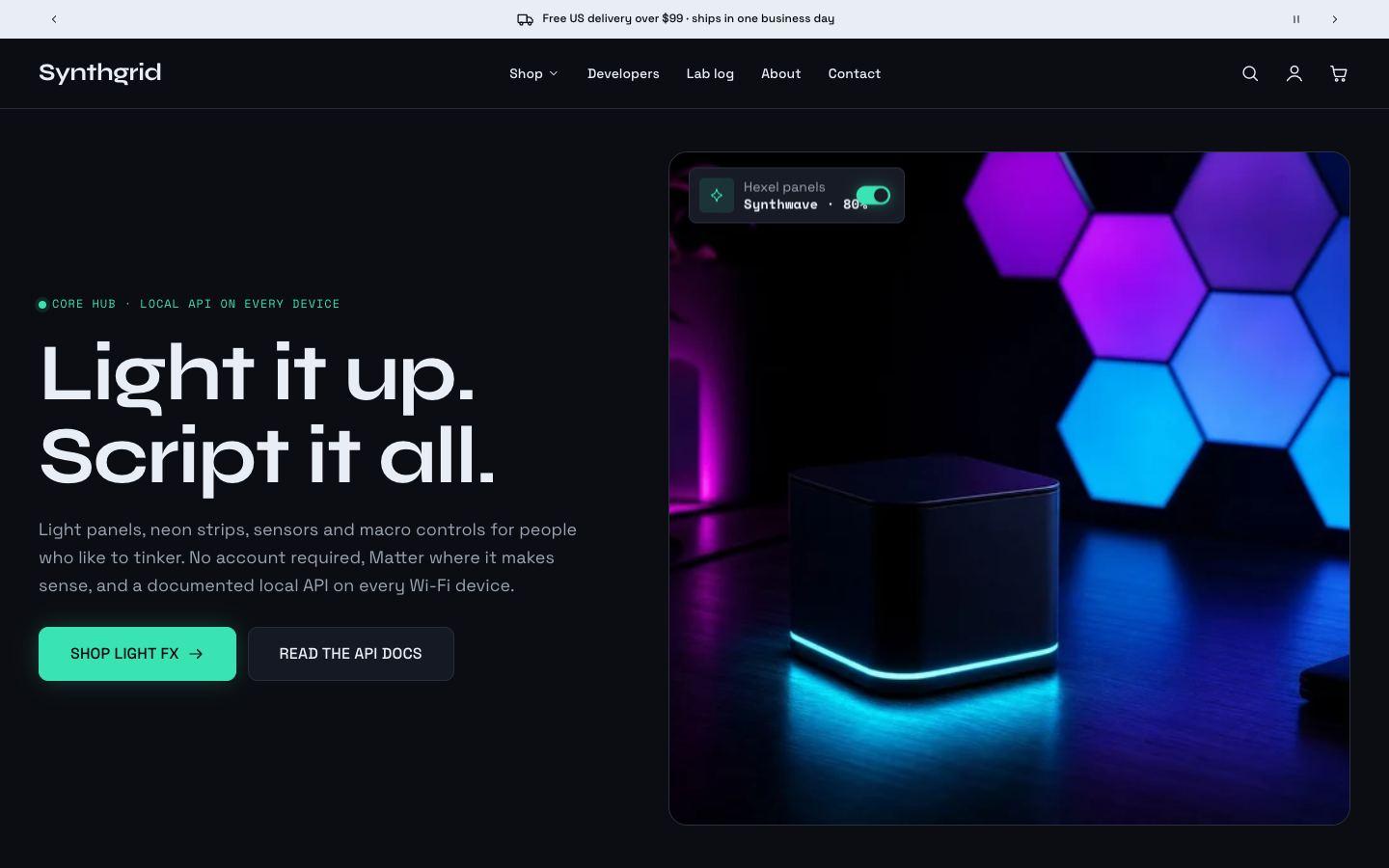
Synthgrid
A dark lab look with neon accents, made for products people tinker with.
Made for maker and lighting tech · Syne + Space Grotesk
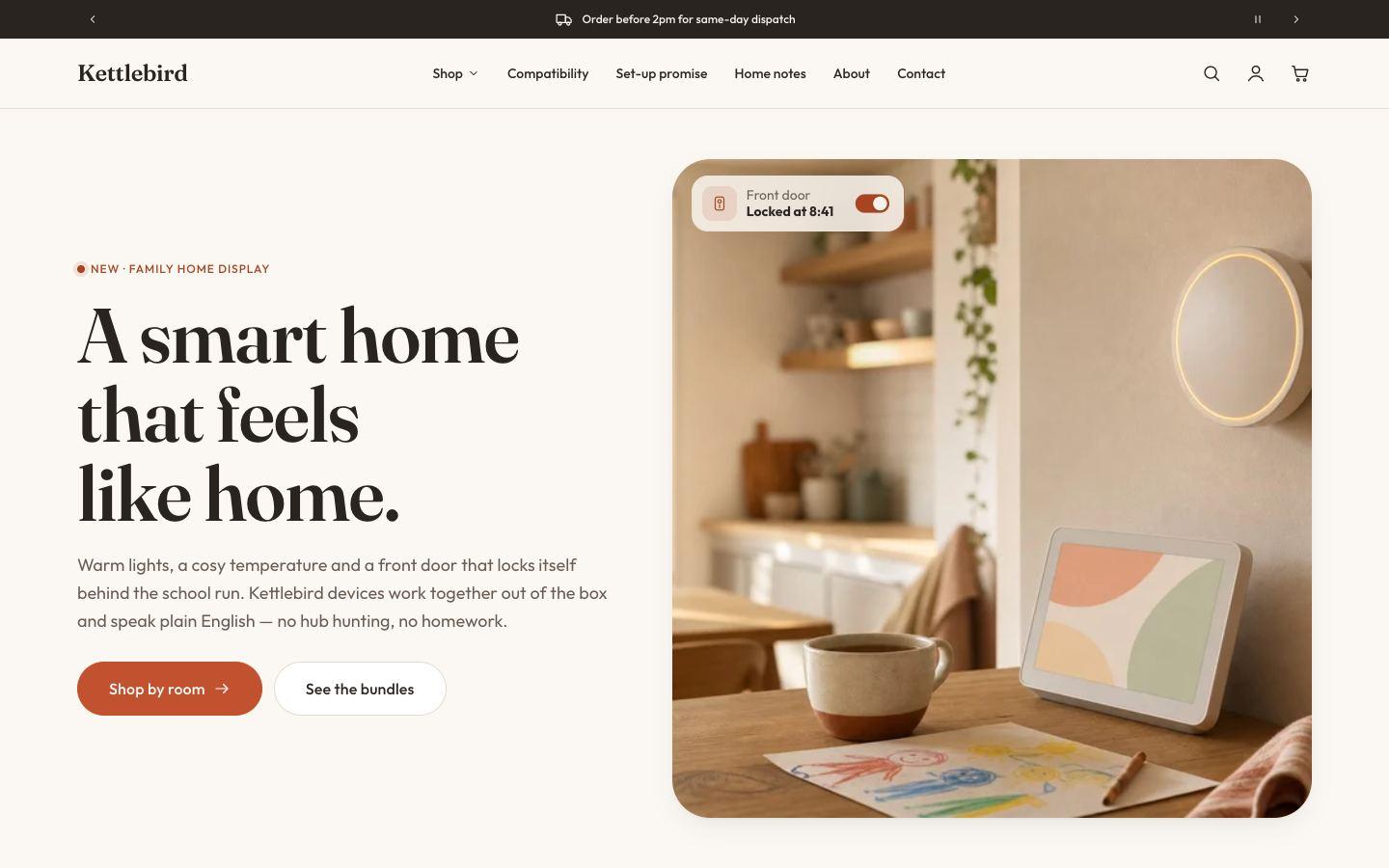
Kettlebird
Warm, homely tones and a soft serif for everyday devices.
Made for kitchen and home appliances · Fraunces + Outfit
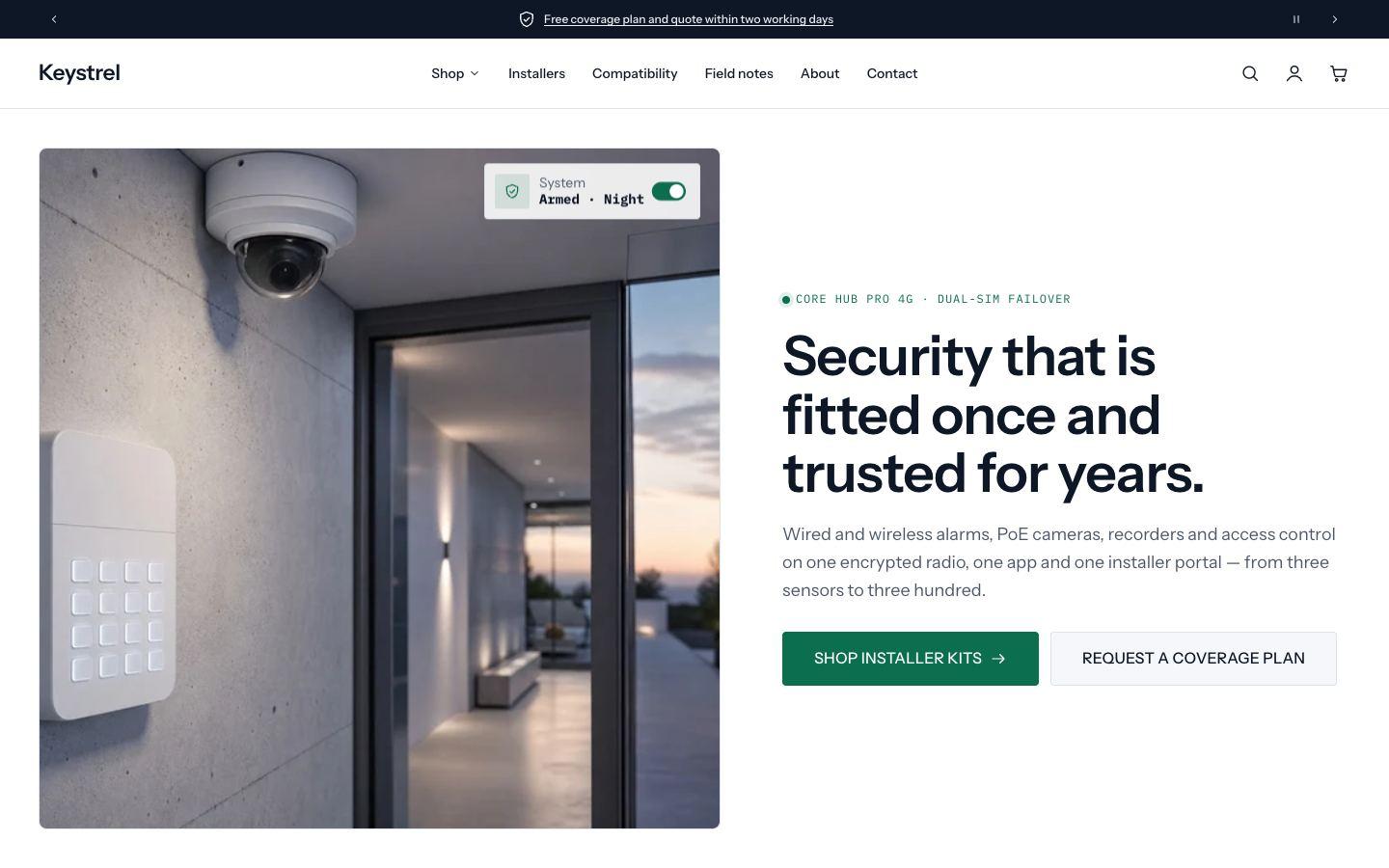
Keystrel
Crisp and trustworthy, for products sold with professional installation.
Made for security and installers · Instrument Sans
Choosing a style
You pick a style when you add Relay from the Shopify Theme Store. Each style has a demo store you can browse first.
Switching style later
- Go to Online Store → Themes → Customize.
- Open Theme settings and choose Theme styles.
- Pick a style and click Save.
Switching changes your colours, typography, buttons and product cards. Your sections, text and images stay as they are: a style switch doesn't replace your homepage. To get a style's demo homepage, add Relay to your theme library again with that style selected.
Tip: try a style on a copy of your theme first (Actions → Duplicate in Online Store → Themes).